Free IP Address Lookup Tool – Find Location, ISP, Timezone, and ASN Instantly
The internet runs on unique identifiers called IP addresses. Every device connected to the web, whether it’s your computer, smartphone, or server, has a digital ID. But have you ever wondered how to trace an IP or find out who it belongs to? That’s where our Free IP Address Lookup Tool comes in. With just one click, you can discover the location, ISP/organization, timezone, and ASN of any IP address. This tool is simple, fast, and perfect for both personal and professional use.
What is an IP Address Lookup?
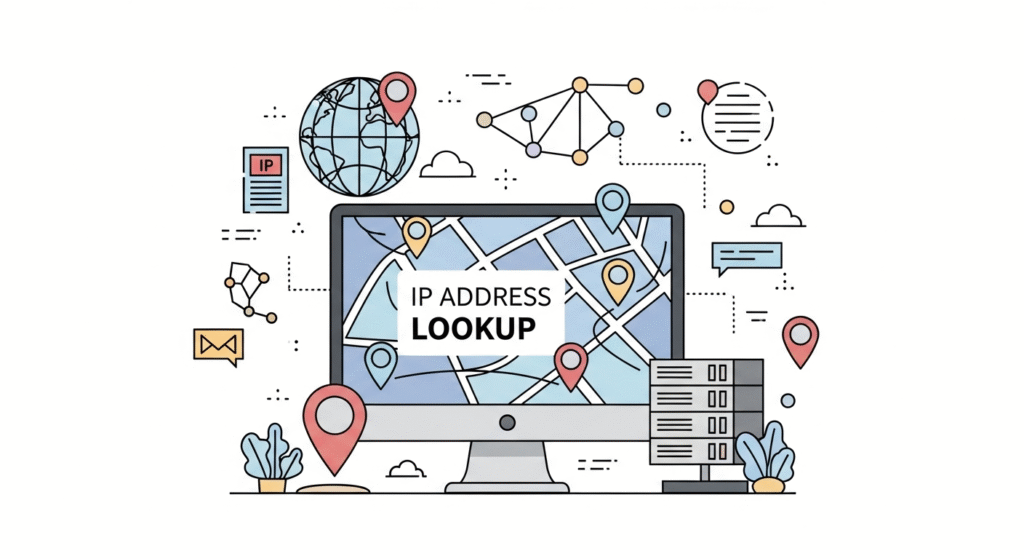
An IP Address Lookup is the process of extracting publicly available details about an IP. When you enter an IP address into our tool, it instantly fetches information such as:
- Location – Country, region, and city associated with the IP.
- ISP/Org – The Internet Service Provider or company that owns the IP.
- Timezone – The time zone where the IP is located.
- ASN (Autonomous System Number) – The unique number assigned to a network backbone.
Unlike GPS or personal tracking, IP lookup doesn’t reveal street addresses. Instead, it shows regional data, which is often accurate at the city or ISP level.
How Does Our IP Lookup Tool Work?
When you click Lookup, our system checks multiple trusted databases maintained by global internet registries. These registries store which organizations or ISPs own specific ranges of IP addresses. Once matched, the tool displays the following:
- Location – For example, an IP may resolve to Azimpur, Dhaka Division, Bangladesh.
- ISP/Org – The provider, e.g., Evan Ahmed Bhuiyan ta APON IT.
- Timezone – Such as Asia/Dhaka.
- ASN – A number like AS132438, which identifies the broader network the IP belongs to.
This process is quick, secure, and accurate. No personal data is stored.
Step-by-Step: How to Use the Tool
- Enter any IPv4 or IPv6 address in the search box.
- Click the Lookup button.
- Wait a second while the system checks the database.
- View the results: Location, ISP, Timezone, and ASN will appear instantly.
💡 Tip: If you don’t know your IP, simply press the “Check My IP” option (if enabled) and the tool will display your public IP automatically.
Why Each Detail Matters
1. Location
Finding the location of an IP helps identify where traffic is coming from. Website owners can detect fraud, marketers can target regions, and individuals can see how websites detect their location.
2. ISP/Org
The ISP or organization tells you who manages the IP. For example, if the ISP is “Google LLC,” you know it’s part of Google’s network. This is useful for checking suspicious activity or verifying company networks.
3. Timezone
Timezone data is valuable for businesses and cybersecurity. Marketers can schedule campaigns for specific regions, while IT teams can confirm if suspicious logins happen during odd local hours.
4. ASN
The Autonomous System Number (ASN) helps identify the broader network. It’s crucial for network administrators and cybersecurity experts who want to trace data routes or block malicious networks.
Benefits of Using Our Free IP Address Lookup
- 100% Free – No sign-up, no subscription.
- Fast and Accurate – Instant results from trusted databases.
- Multi-Device – Works on mobile, tablet, and desktop.
- Secure – No logs, no personal information stored.
- Global Coverage – Works with both IPv4 and IPv6 addresses worldwide.
Real-Life Use Cases
- Website Owners – Track visitor IPs to prevent fraud and analyze traffic.
- Businesses – Validate user logins by cross-checking IP locations.
- Cybersecurity Experts – Identify and block malicious IP ranges.
- Gamers – Check ping issues and locate servers.
- Freelancers – Verify client locations before contracts.
- Everyday Users – Simply check your own IP for curiosity and privacy.
Example Lookup
Suppose we check the IP: 103.73.44.83. The results may look like this:
- Location: Azimpur, Dhaka Division, Bangladesh
- ISP/Org: Evan Ahmed Bhuiyan ta APON IT
- Timezone: Asia/Dhaka
- ASN: AS132438
This data shows which ISP owns the IP, where it is located, and the network backbone it belongs to. You can apply the same lookup for any IP worldwide.
Common Questions About IP Lookup
Can I find someone’s exact address with IP lookup?
No. IP lookup only provides city or region, ISP, and network details. It does not reveal personal addresses.
Does this work with both IPv4 and IPv6?
Yes, the tool supports both address types seamlessly.
Is it legal to perform IP lookups?
Yes. IP lookups use publicly available registry data. It’s 100% legal and safe.
How accurate is the location data?
Accuracy depends on the ISP. In most cases, city-level accuracy is correct, but it does not show exact streets.
Can I use this tool for business purposes?
Absolutely. Businesses use IP lookup for analytics, fraud detection, and security verification daily.
Conclusion
Every device connected to the internet has an IP address, and knowing how to look it up can be extremely useful. Whether you want to trace your own IP, check where visitors are coming from, or secure your online environment, our Free IP Address Lookup Tool is the perfect solution.
👉 Try it now above ⬆ and discover the location, ISP, timezone, and ASN of any IP address in seconds.